 Getting your new Keurig set up correctly from the start ensures great coffee from the very first cup and protects your machine for years of reliable service. This checklist walks you through every step from unboxing to your first real brew.
Unboxing and Initial Inspection
Remove all components from the box and lay them out. Standard contents include the brewer, water reservoir, drip tray with grill, and a power cord. Some models include a water filter handle and cartridge, a starter pack of K-Cups, and a quick-start guide.
Inspect everything for damage that may have occurred during shipping. Check the exterior of the machine for cracks or dents, and verify that all removable parts fit properly. If anything appears damaged, contact Keurig’s customer support before proceeding.
Remove all packaging materials. Look carefully for tape, plastic bags, foam inserts, and cardboard inserts inside the reservoir, pod compartment, and drip area. Overlooking a piece of packaging can interfere with brewing or, in rare cases, cause damage to the machine.
Positioning Your Machine
Place your Keurig on a flat, stable, heat-resistant surface. Position it within reach of an electrical outlet and close enough to a water source for convenient reservoir refilling. Leave at least two inches of clearance on all sides for ventilation.
Keep the machine away from direct sunlight, extreme heat sources, and areas with excessive moisture. A dry, room-temperature location extends machine lifespan significantly.
Installing the Water Filter (If Applicable)
If your machine came with a water filter handle and cartridge, install it before the first use. Soak the filter cartridge in clean water for five minutes. Rinse it under running water for sixty seconds. Snap the cartridge into the filter handle and attach the assembly to the inside base of the water reservoir.
Using a water filter from day one reduces mineral buildup, improves coffee taste, and extends the time between descaling sessions.
Filling the Reservoir
Fill the water reservoir with fresh, cold water. Use filtered or bottled water if your tap water is heavily chlorinated or has an off taste—this directly affects coffee flavor. Fill to the maximum fill line marked on the reservoir. Do not overfill above the maximum line.
Attach the filled reservoir to the machine securely. Most reservoirs click or slide into a specific position. Make sure it’s seated properly before proceeding.
Running Initial Flush Cycles
Before brewing your first cup of coffee, run two to three water-only rinse cycles to flush out manufacturing residue from the internal components. These cycles are important—internal components are cleaned during manufacturing, but traces of cleaning agents or manufacturing oils can remain.
Lift the pod handle, do not insert a pod, and close the handle. Select the largest available brew size. Place a large mug on the drip tray. Press brew. Pour the collected water down the drain. Repeat two to three more times with fresh water in the reservoir.
Adjusting Initial Settings
If your machine has adjustable settings (temperature, auto-on time, energy saver timing), configure these before your first coffee brew. Temperature is typically the most impactful—start at the maximum for a standard dark or medium roast.
Set the auto-on time if you have a consistent morning routine. This feature heats the machine before you arrive in the kitchen, eliminating any wait time.
Brewing Your First Cup
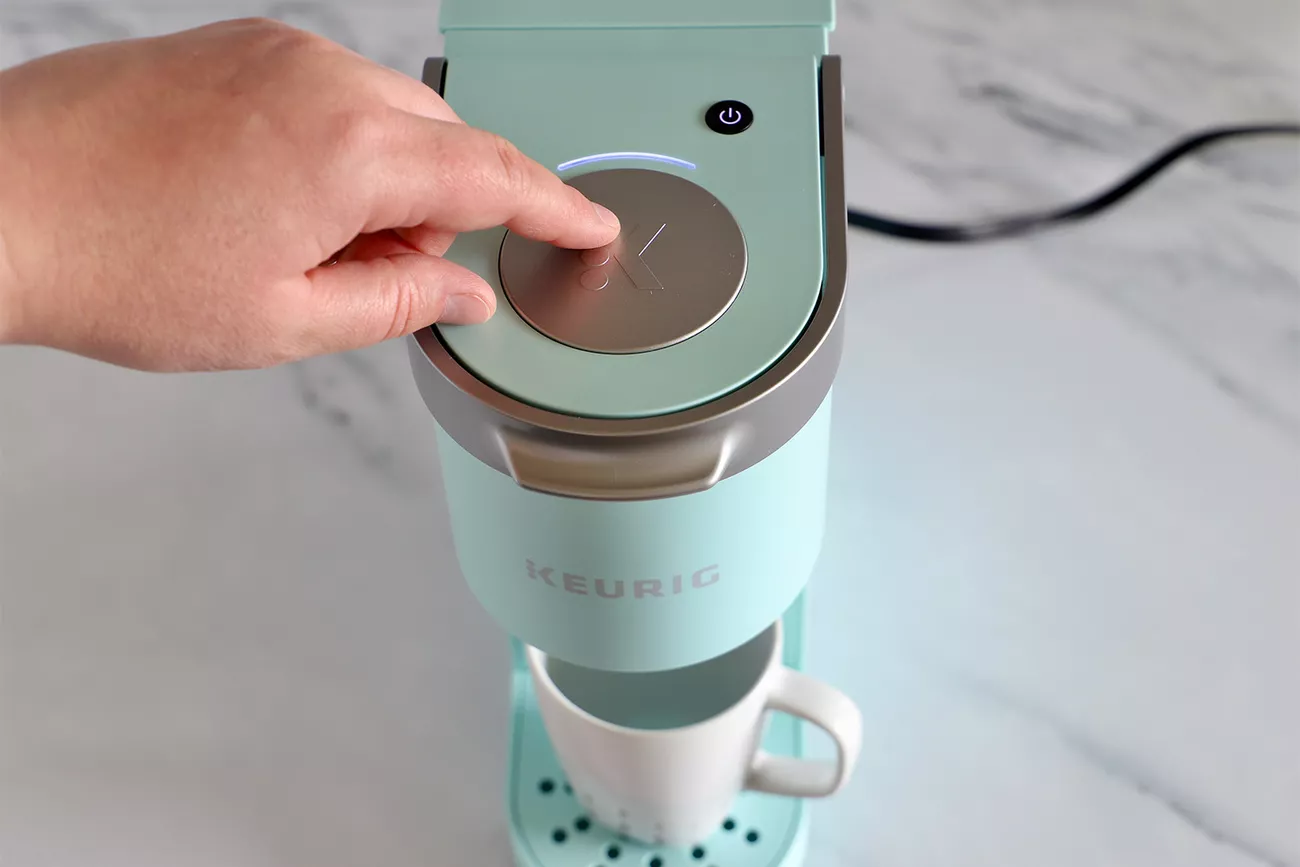
Insert your first K-Cup pod. Close the handle firmly until it clicks. Place your mug on the drip tray. Select your preferred brew size. If your machine has a strong brew option, consider using it for your first brew to assess the base quality before adjusting.
Press brew and wait approximately sixty to ninety seconds. Your coffee is ready.
Post-First-Brew
Taste your coffee critically. If it tastes like it has any plastic, chemical, or off flavors, run another flush cycle with fresh water and try again with a new pod. This is occasionally needed if residual manufacturing odors weren’t fully cleared by the initial flush cycles.
Register your machine on Keurig’s website. Registration is not required but activates your warranty and ensures you receive safety notifications if any recalls or issues affect your model.
Your Keurig is now set up and ready for reliable daily service. Maintain it with weekly cleaning and quarterly descaling to keep it brewing at its best.